
Published Sep 3, 2026
Figma has expanded its generative plugins and shaders with interactive motion, Community and organization publishing, code access, and deeper MCP support.
What's New
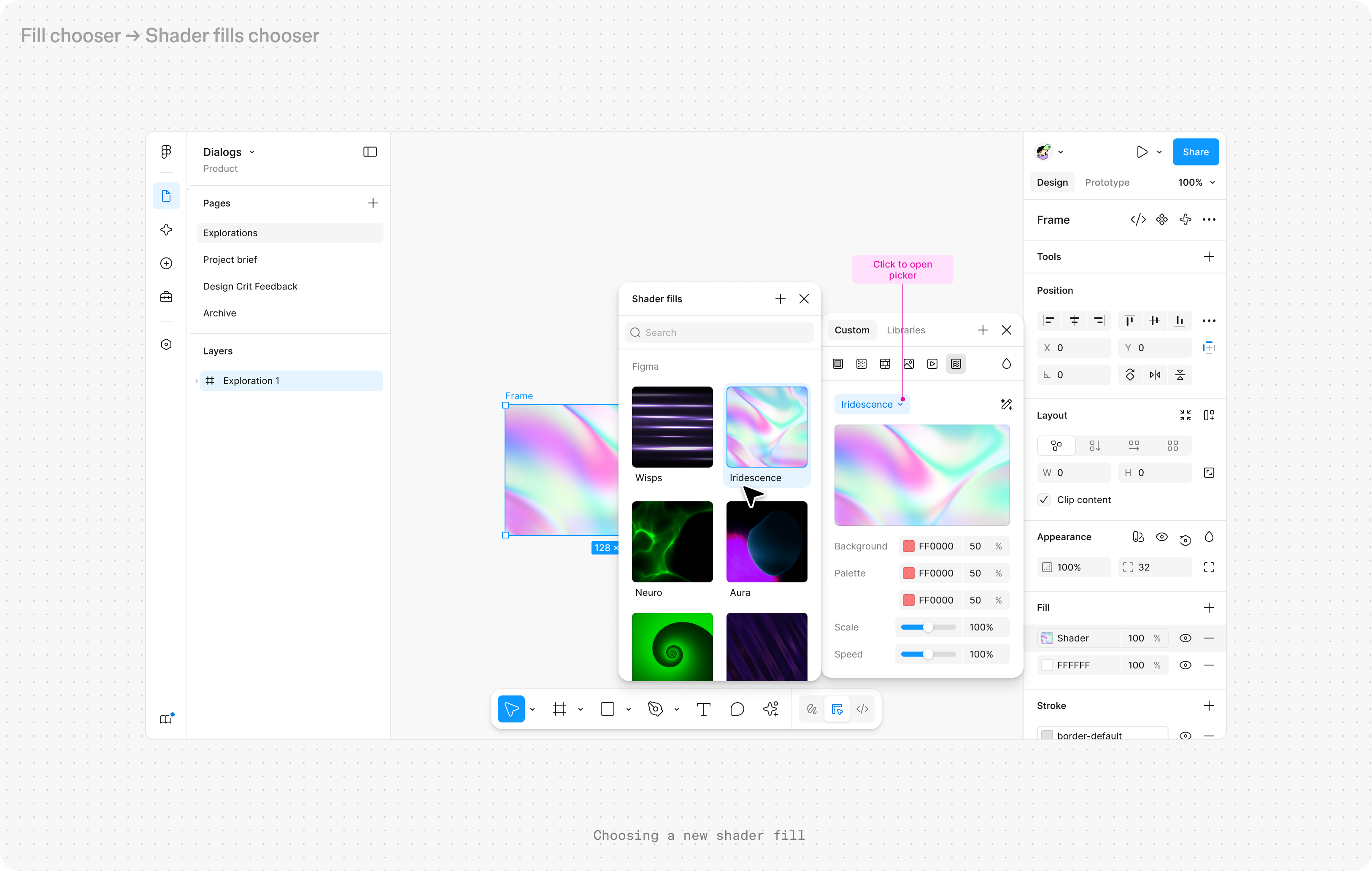
Figma has expanded the generative plugins and shaders introduced at Config 2026. Shaders can now include animation and interaction, including effects that react to mouse movement. Users can also publish generative plugins and shaders to the Figma Community, while Organization and Enterprise teams can publish them privately inside their organization.
Get started with generative plugins and shaders in Figma
Why It Matters
The change moves these AI-generated tools beyond one-off experiments. A designer can describe a custom tool or visual effect, use it directly on the canvas, and then share it with other people instead of rebuilding the same workflow each time. That makes generative tools closer to reusable design infrastructure.
What Happened
Figma announced the update on September 1, 2026. Alongside publishing and interactive shaders, Figma added a code viewer that lets users inspect and download shader code and code from their own generative plugins. The company also expanded its MCP support so external agents can view and modify these tools and reproduce shaders when implementing Figma frames in React.
What's Next
The larger shift is that the boundary between a design tool and a development tool keeps getting thinner. If designers can generate reusable tools, inspect their code and move them through MCP into external coding agents, more of the design-to-code workflow can stay connected instead of being recreated after handoff.
TUF Take
The strongest part of this update is not the shader effects themselves. It is that Figma is turning generated tools into reusable, shareable and inspectable objects. That makes the agent less like a prompt box and more like a way to extend the design environment itself.